If you have ever sat down at your desk, looked underneath, and physically winced at the spaghetti of cables hanging off the back of your monitor, you are in the right place. A messy desk is not just an aesthetic problem. It is a daily friction tax on your productivity, your cleaning routine, and the lifespan of your gear.
This is the home office cable management guide we wish we had when we first started working from home full-time. It walks you through the why, the what, and the how — from the £8 fix that solves 80% of the chaos, to the screw-in under-desk trays the professional installers use. Whether you have a single laptop and one monitor, or a full standing-desk setup with a dock, two displays, a webcam, a microphone, and a desk lamp, you will find a workable plan here.
Why cable management is worth doing properly
Cables are one of those areas where doing the job once, properly, pays you back every single working day. The most obvious benefit is that your desk simply looks better — you stop seeing the visual noise, and your home office starts to feel like a real workspace rather than a corner of a server room. But the practical benefits matter more.
First, dust. Cables that hang behind a desk turn into a vertical dust trap. Once a quarter you have to pull the desk out and vacuum behind it. With a tray and a few clips, that job becomes ten seconds with a microfibre cloth. Second, swapping gear. The day you decide to upgrade your monitor, replace your dock, or add a webcam, a tidy setup means you trace one cable, swap it, and you are done. A messy setup means an hour of detangling. Third, safety and lifespan. Cables draped across the floor get stood on, kicked, and rolled over by chairs. Most USB-C and HDMI cable failures we have seen are at the connector, where they have been bent at a sharp angle for months.
Lastly, video calls. The single biggest visual upgrade you can make to your background — bigger than a webcam, bigger than a ring light — is a desk that does not have cables snaking across it. Tidy desk equals professional impression.
The five categories of cable management gear
Before you buy anything, it helps to understand the toolbox. There are roughly five categories of product, and a complete setup typically uses three or four of them together.
1. Under-desk trays and raceways
These are the workhorse of any tidy desk. A cable tray bolts (or clamps) to the underside of your desk and gives you somewhere to put the power strip, the mess of wall warts, and the slack from every cable. Once it is fitted, anything that plugs into the wall lives up there, out of sight.
There are two main styles. Mesh trays (sometimes called J-channels) are the classic option — sturdy steel, cheap, and easy to drop a power strip into. Closed PVC raceways are sleeker and dust-proof but harder to access. For most people, a mesh tray is the right answer.
2. Cable sleeves and braided wraps
Where cables have to travel any visible distance — for example, from your monitor down to the tray — a sleeve bundles them into a single neat tube. Velcro sleeves are the most flexible because you can open them later to add or remove cables. Spiral wrap is cheaper but a pain to undo. Braided fabric sleeves look the most premium.
3. Clips, clamps, and pass-throughs
Small adhesive clips that stick to the underside or back edge of your desk are how you handle the last 30cm of any cable run. They route a charging cable from the back of the desk to where your phone sits, or hold a USB hub against the underside of the desk so it does not dangle.
Desk grommets — the round plastic discs that fit into a hole in your desktop — are the upgrade if you have a desk with no cable hole, or if you bought one and want a tidier finish.
4. Cable boxes and shrouds
If you have a power strip and a forest of plugs that you cannot route into a tray, a cable box is the next best thing. These are large plastic boxes that sit on the floor and conceal the power strip and the worst of the slack. Useful behind a sofa or under a desk where a tray will not fit.
5. Velcro ties and reusable straps
Forget the plastic zip ties you got with your last router. Reusable Velcro ties (sometimes branded as VELCRO ONE-WRAP) are the only kind worth buying. They are cheap, you can re-tie them every time you swap a cable, and they will not damage the wire by clamping too hard.
How to plan your setup before you buy
The single biggest cause of half-finished cable management is buying a tray, fitting it, and then realising the power strip does not fit, or the cables do not reach. Spend ten minutes planning before you order.
Step one: count your cables. Walk to your desk and count every single cable that ends up plugged into the wall. For most home office setups, that is the monitor, the laptop charger or dock, the desk lamp, possibly a phone charger, and possibly a webcam or speakers. Five to seven plugs is typical.
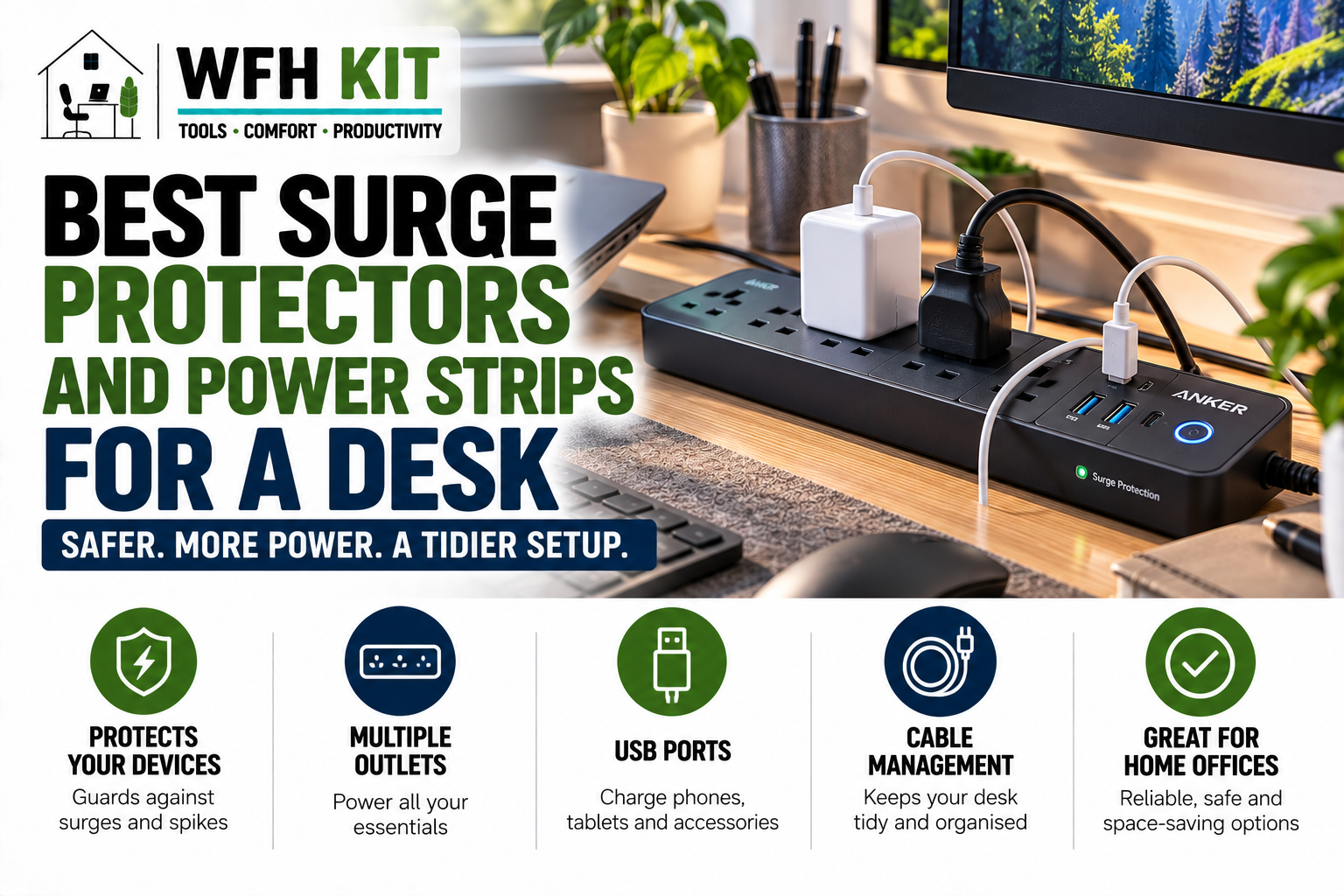
Step two: pick your power strip. The single most important purchase. You want a strip with at least two more outlets than you currently need, ideally with the plugs spaced widely enough to fit chunky wall warts. Surge protection is sensible. A flat-profile or angled-plug strip will fit better in a tray than a chunky one.
Step three: measure cable lengths. Once your power strip is mounted in a tray under the desk, the cables from your monitor and laptop have to reach it. If your existing cables are short, plan to replace one or two — a 2m DisplayPort cable is far easier to route tidily than the 1m one your monitor came with.
Step four: decide where the desk lives. If your desk sits flush against a wall, you can run cables straight down behind it. If it floats in the middle of the room — a common standing-desk layout — you will need a way to hide the cables that drop to the floor. A vertical cable spine (a flexible cable chain) is what you want here.
Our recommended cable management products
Below are the products we recommend for a typical UK home office. Each is available on Amazon UK, and we have linked through to the listings so you can check current pricing. Affiliate links are flagged accordingly.
Best mesh under-desk cable tray: J Channel by SimpleHouseware
[Affiliate link] A no-fuss steel mesh tray that screws into the underside of any wooden desk. Long enough to hold a six-way power strip, two USB chargers, and the slack from your monitor and laptop cables. Around £18-£22.
Best no-drill cable tray: Yecaye Cable Management Tray
[Affiliate link] Uses heavy-duty 3M adhesive pads instead of screws, which is essential if you rent or have a desk you do not want to drill into. Slightly less sturdy than a screwed tray but holds a normal power strip without issue. Around £20.
Best cable sleeve: JOTO Cord Cover
[Affiliate link] A 1.5m neoprene Velcro sleeve in black or white. Bundles up to a dozen cables into a single tube. Buy two — one for the run from your desk to the wall, and one for behind the monitor.
Best Velcro ties: VELCRO Brand ONE-WRAP
[Affiliate link] A 25-pack of reusable Velcro straps, 20cm long. The only Velcro tie you should ever buy. Black blends in; multi-colour is useful if you want to colour-code.
Best adhesive clips: D-Line Self-Adhesive Cable Clips
[Affiliate link] D-Line is the UK brand to know. Their adhesive clips actually hold long-term, unlike the no-name multipacks. Buy a pack of 50 and stick them everywhere — under the desk lip, behind the monitor, along the rear edge.
Best cable box: Bluelounge CableBox
[Affiliate link] The original and still the best. Sturdy plastic, ventilation slots, and large enough to swallow a six-way power strip with all its bricks. Available in a Mini size for smaller setups.
Best vertical cable spine (for standing desks): Cubicubi Cable Management Spine
[Affiliate link] If you have an electric standing desk, a flexible cable spine that bends as the desk moves is essential. This one bolts to the underside of the tray and to the floor and keeps the run to the wall tidy through every height position.
Three setups by budget
The £25 weekend fix
Velcro ties (£8), a cable sleeve (£10), and a small pack of adhesive clips (£7). No tray, no boxes — you bundle everything against the back of the desk and clip the slack to the underside. This solves 80% of the visual mess and takes about 30 minutes.
The £60 mid-tier setup
Add a no-drill cable tray (£20), a better power strip (£15), and a second cable sleeve (£10). The tray takes the power strip and chargers off the floor entirely; the second sleeve handles the run from desk to wall. Takes about an hour to fit.
The £120 full installation
Screw-in tray (£25), surge-protected power strip (£25), cable spine for a standing desk (£35), two sleeves (£20), Velcro ties (£8), and a starter pack of D-Line clips (£10). Plan on a Saturday afternoon. The result is a desk that looks like a showroom photo from any angle.
Common mistakes to avoid
Buying a tray that is too small. Measure your power strip first. The tray needs to be at least 2cm longer than the strip in every direction, with room for the chunky plugs at one end.
Using zip ties everywhere. The day you swap a cable you have to cut every tie and re-do the lot. Velcro lets you make changes in seconds.
Forgetting heat. A fully loaded power strip generates real warmth. Do not seal everything in a closed plastic box with no airflow — choose a box with vents, or use a mesh tray.
Routing cables across the chair zone. If the cable run crosses the area your office chair rolls over, it will be damaged within a year. Plan a route that stays behind or under the desk.
Putting it all together
A weekend spent on cable management is one of the highest-return projects in any home office. The cost is small, the benefits are daily, and once it is done, it stays done with almost no maintenance. Pick the budget tier that matches your setup, follow the four-step plan above, and you will join the small minority of remote workers whose video-call backgrounds genuinely look professional.
If you are starting your home office from scratch, check out our complete guide to setting up a home office for under £500 — it folds the cable management plan in alongside the desk, chair, and monitor recommendations.