If you have decided to buy a monitor light bar — and you should — the next decision is which BenQ to go for. The original ScreenBar sits at around £130. The ScreenBar Halo, the upgraded version, costs around £180. The £50 gap is meaningful, and the Halo’s marketing makes the upgrade sound essential. After living with both for several months in our test setup, the honest answer is: it depends on your room.
Here is the BenQ ScreenBar vs Halo comparison we wish we had read before deciding, with the side-by-side facts and our verdict on who should buy which.
What both lamps share
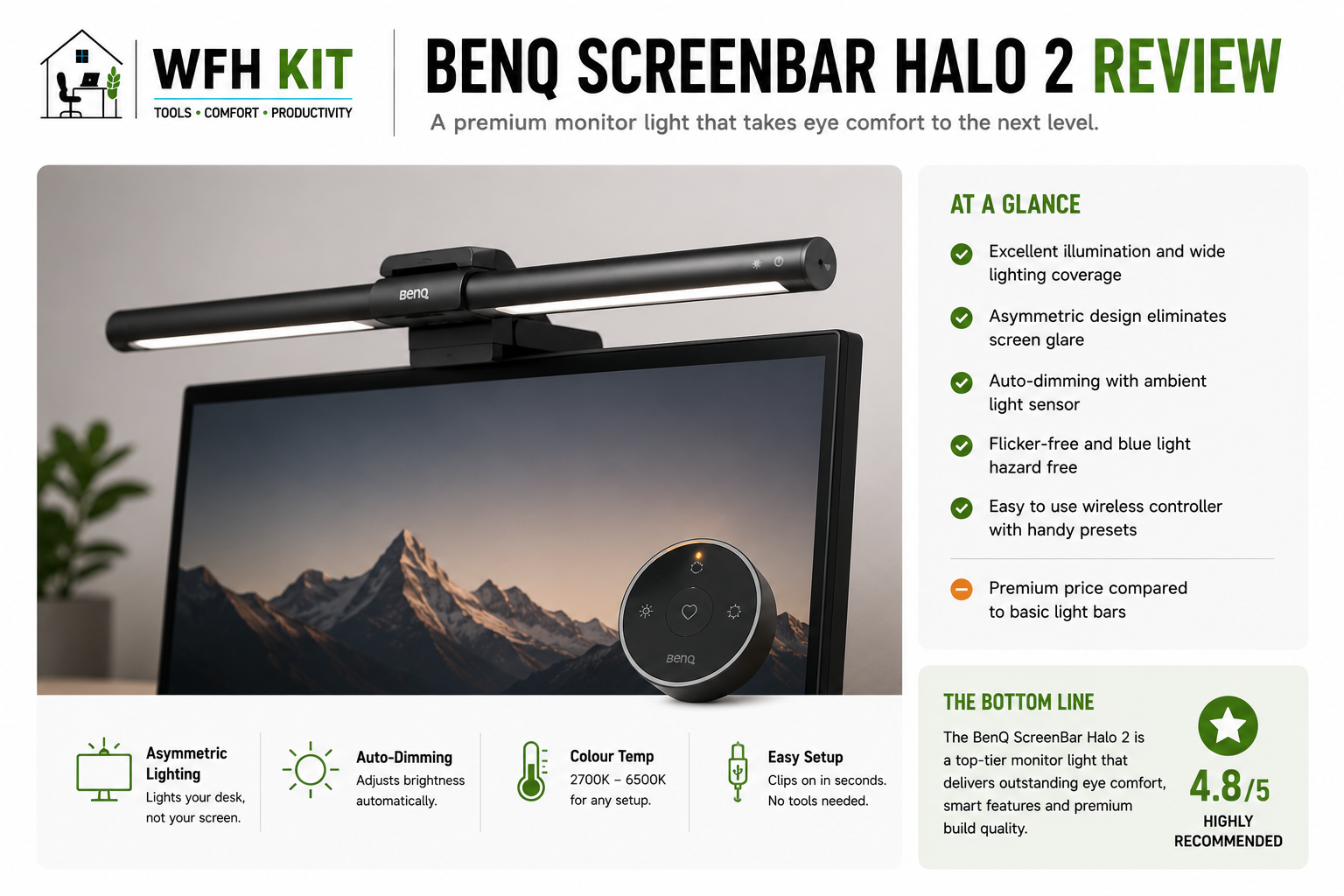
The original ScreenBar and the Halo are clearly siblings. Both are 45cm-wide LED bars that clip onto the top edge of any monitor between roughly 1cm and 6cm thick. Both use the same asymmetric optics — the LEDs are angled forward and downward so the light lands on the desk, not on the screen. Both run on USB-A power. Both offer stepless brightness adjustment and colour temperature switching from a warm 2700K to a cool 6500K.
The build quality is identical: anodised aluminium body, sprung counterweight clip, no plastic creak. Both are quiet products that sit on the monitor and disappear visually.
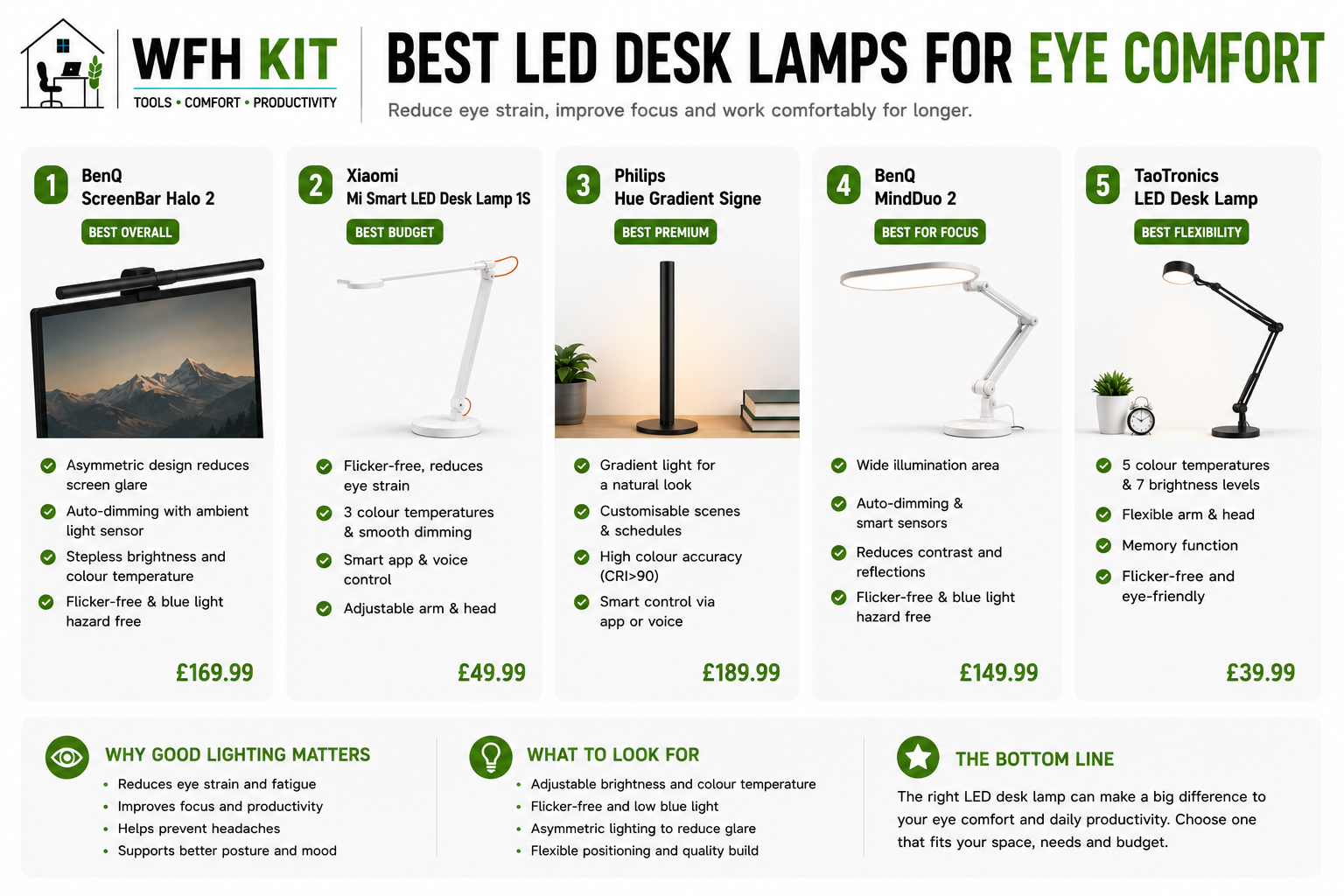
If you are choosing between either of these and a no-name £25 alternative, both BenQs are clearly worth the extra. The light quality, the colour rendering, and the long-term reliability are genuinely better. The question here is which BenQ — not whether to buy a BenQ.
What the Halo adds
1. The ambient backlight
The flagship Halo feature. A second strip of warmer LEDs faces backwards from the bar and bounces light off the wall behind your monitor. The effect is a soft, halo-like glow around the screen. There are two reasons this matters.
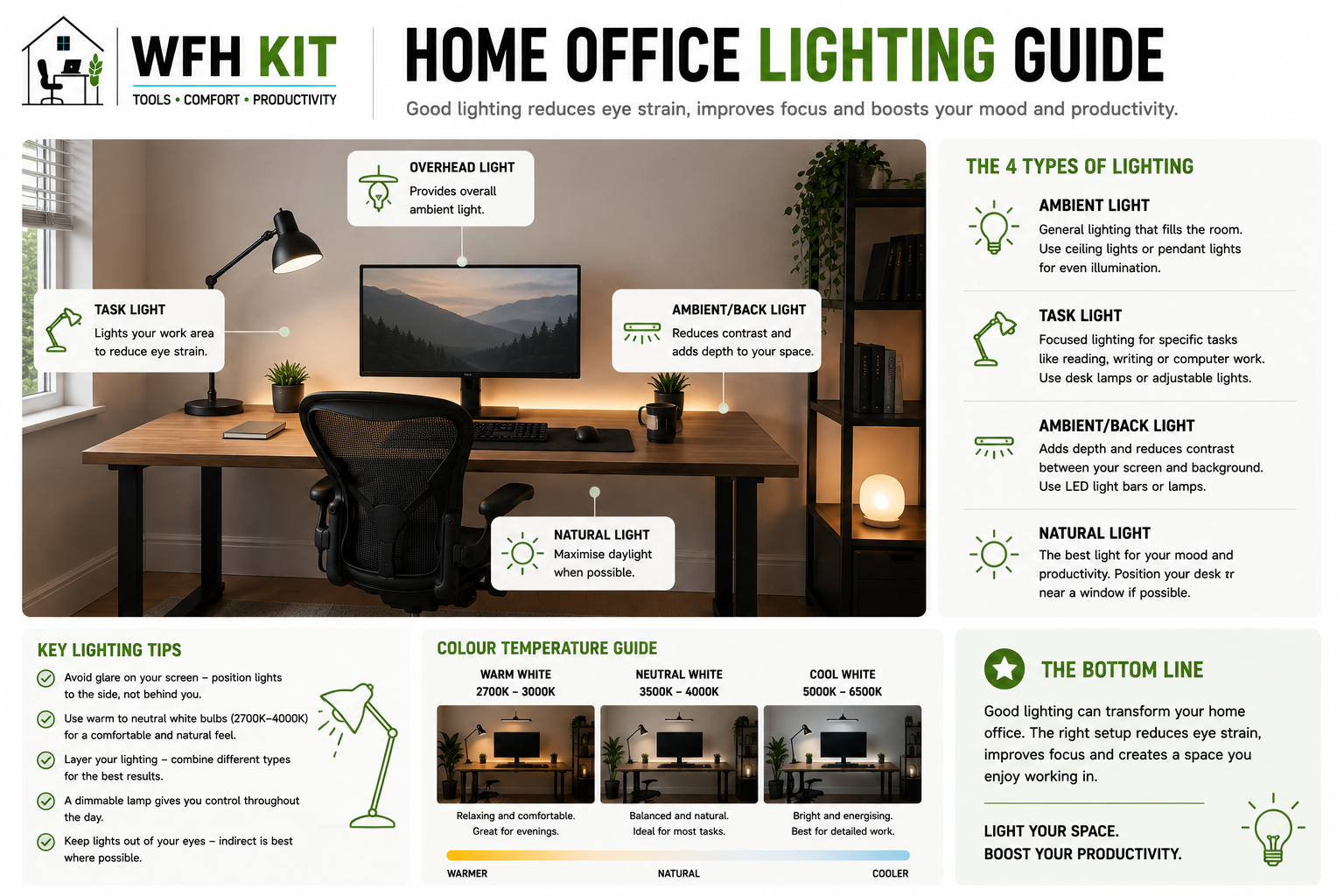
First, eye strain. When you work in a dimly lit room with a bright monitor, the contrast between the screen and the surrounding area is enormous. Your pupils dilate to handle the dark room, then contract when you look at the screen, then dilate again. Over a working day this is genuinely tiring. Lifting the wall behind your monitor with a backlight smooths the contrast and your eyes relax.
Second, video calls. Even with a desk lamp on, the wall behind you is often dark on camera. The Halo’s backlight gently lifts that — just enough that you do not look like you are calling from a basement.
If you frequently work in low light — early mornings before the sun, late evenings, blackout-curtain weather — the backlight is a meaningful upgrade. If your room is reliably bright, you will rarely notice it.
2. The wireless puck remote
The Halo comes with a small wireless dial that sits next to your keyboard. One button cycles colour temperature; the dial controls brightness. The original ScreenBar makes you reach up to the touch buttons on the bar itself.
If you change settings often — say, you go from cool morning light to warm evening light, or you adjust brightness as the daylight changes — the puck is a small daily luxury. If you mostly leave the lamp on auto, you will rarely use it.
3. Slightly smarter auto-dimming
Both bars have an ambient light sensor and an auto-dim mode. The Halo’s sensor sits on the puck rather than the bar itself, which means it samples the ambient light at desk level rather than at monitor level. In our experience this gives slightly more accurate readings — particularly when sunlight is hitting the back of the monitor but not the desk surface. Marginal, but real.
Side-by-side spec comparison
| Feature | ScreenBar (original) | ScreenBar Halo |
| Bar length | 45cm | 50cm |
| Forward LEDs | Yes (asymmetric) | Yes (asymmetric) |
| Backlight | No | Yes (warm) |
| Wireless puck | No | Yes |
| Colour temp range | 2700-6500K | 2700-6500K |
| Power | USB-A 5V | USB-A 5V |
| Auto-dimming sensor | On bar | On puck (better) |
| Approx UK price | £130 | £180 |
Real-world differences after extended use
The Halo’s £50 premium turns out to be roughly 60% backlight, 30% puck, 10% sensor placement. None of those things change the core lighting performance — both bars light the desk identically. What changes is comfort and convenience.
The Halo backlight is genuinely useful at night. By late evening, if I have not turned on the room lights, the difference is noticeable: the original ScreenBar leaves the area behind the monitor dark; the Halo lifts it. Whether that matters to you depends entirely on when and where you work.
The puck is great when I am tweaking brightness in response to changing daylight. Most days I do not touch it. If you tend to set-and-forget your lighting, you will not miss it.
Who should buy the original ScreenBar?
- You work in a reliably well-lit room (north-facing window, daytime hours, ceiling light on)
- You have a flat or gently curved monitor (curve up to about 1500R)
- You do not change lighting settings during the day
- £50 matters — there are better places to spend it (a webcam, a desk lamp for a second area, a year’s web hosting)
[Affiliate link to BenQ ScreenBar on Amazon UK]
Who should buy the ScreenBar Halo?
- You frequently work in dim conditions (evenings, winter mornings, blackout curtains)
- Eye strain by 5pm has been a real issue for you
- You take a meaningful number of video calls and want a softer wall behind you
- You like the puck-on-the-desk control and would actually use it
- You have a deeper-curve monitor (1000R or 1500R) — the Halo’s clip handles these better
[Affiliate link to BenQ ScreenBar Halo on Amazon UK]
What about the cheaper Quntis or Govee alternatives?
Both are real options at roughly a third of the BenQ price. The Quntis L206 Pro especially is a closer comparison than its price tag suggests — the optics are similar and the light quality is honestly hard to fault. Where the BenQs win is build (aluminium vs plastic), the touch button feel, and the long-term reliability we have seen across multiple units.
If £180 is a stretch, the order of preference is: BenQ ScreenBar (original) > Quntis L206 Pro > anything cheaper than that.
Frequently asked questions
Will either bar fit my curved ultrawide?
The Halo handles deeper curves (1000R, 1500R) more comfortably than the original. The original is fine on flat panels and gentle curves but can wobble on a deep curve. If you have a 34-inch 1500R or deeper, lean Halo.
Can I use either with a USB-C-only monitor?
You will need a USB-A to USB-C adapter or a USB-C charger pigtail. Neither bar ships with one. Cost: about £5.
Does the Halo backlight need a wall behind it?
Yes. The backlight bounces off whatever is behind the monitor. A plain wall (white, cream, light grey) gives the best result; a glass partition or open space behind the desk wastes the effect.
Is the puck necessary if I rarely change settings?
No. If you mostly leave the lamp on a fixed setting, the touch buttons on the original ScreenBar are perfectly fine.
The verdict
The original BenQ ScreenBar at £130 is the right buy for most home offices. It does the core job — eliminating screen glare, lighting the desk evenly, holding up over years — exactly as well as the Halo. Pay the extra £50 for the Halo only if you genuinely work in dim conditions, take a lot of video calls, or have a deep-curve monitor. For everyone else, save the £50 and put it somewhere that earns you a daily benefit.