Affiliate disclosure: WFHKit is reader-supported. We may earn a small commission when you buy through links on this page, at no extra cost to you. Our recommendations are independent, and we only recommend products we would be happy to use ourselves.
A USB-C monitor turns a messy laptop desk into a one-cable setup. You plug a single cable into your laptop, and it sends the picture to the screen, charges the laptop and connects the keyboard, mouse and other accessories through the monitor’s built-in ports. When you finish work you unplug one cable and take the laptop with you.
This guide picks four USB-C monitors for a home office, from a mid-priced QHD model to a sharp 4K screen. We opened each product’s live Amazon UK page and checked the stock, the reviews and the price before including it, and we read the listing for the charging power and the ports.
Before you buy, check that your laptop’s USB-C port supports video output. Most modern laptops do, but some budget models use USB-C only for charging and data. The laptop’s manual or the maker’s website will tell you.
How to choose a USB-C monitor
- Power delivery. This is the power the monitor sends to your laptop over the cable. 65W suits most thin laptops, and 90W is better for larger models that draw more power. Check what your laptop’s charger supplies.
- Resolution. QHD, or 2560 by 1440, is a sharp and affordable choice at 27 inches. 4K, or 3840 by 2160, is crisper still and makes text look very fine, but it costs more.
- Ports and hub. Extra USB ports on the monitor let you plug in a keyboard, mouse and webcam once and use them with any connected laptop. Look for USB-A and a second USB-C port.
- Panel quality. IPS panels give good colour and wide viewing angles. Check the monitor covers at least 99 per cent of sRGB if you edit photos or care about colour.
- Stand and ergonomics. A stand that raises, tilts, swivels and pivots lets you put the screen at eye level. A fixed stand forces you to buy an arm or a riser.
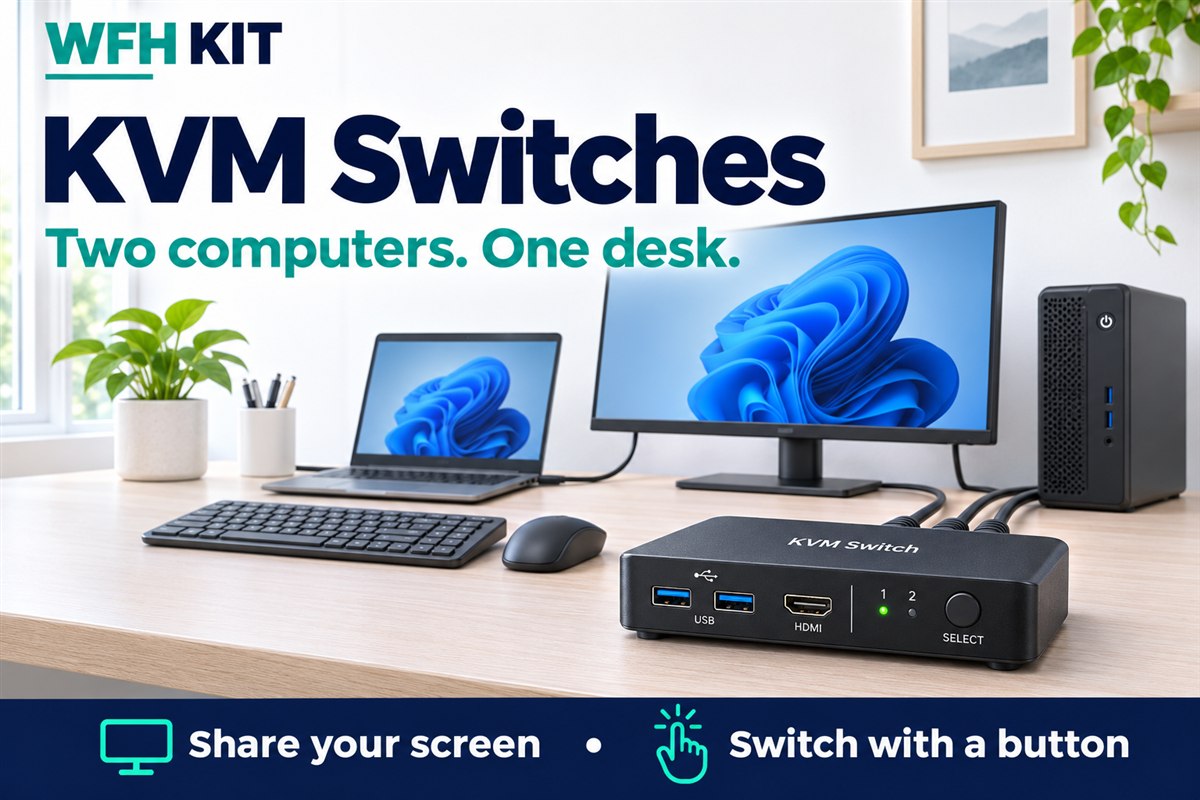
- Extras. A KVM switch lets you share one keyboard and mouse between two computers. Built-in speakers save desk space, and an ambient light sensor adjusts brightness for you.
The best USB-C monitors for home offices
Best value: Dell 27 Plus USB-C Monitor S2725DC
The Dell S2725DC is a 27 inch QHD monitor with a 144Hz IPS panel and 99 per cent sRGB coverage. The USB-C port supplies up to 65W of power, and it has a second USB-C port, DisplayPort, HDMI and two USB-A ports, so it works well as a hub. The stand tilts, swivels, pivots and adjusts in height, and dual 3W speakers are built in.
The screen is TÜV 4-star eye comfort certified, with low blue light and flicker-free technology, and it comes with a three year warranty. It costs about £195, and more than two hundred and forty buyers have rated it at 4.5 stars. It is the best mix of price, features and sharpness for most home offices.
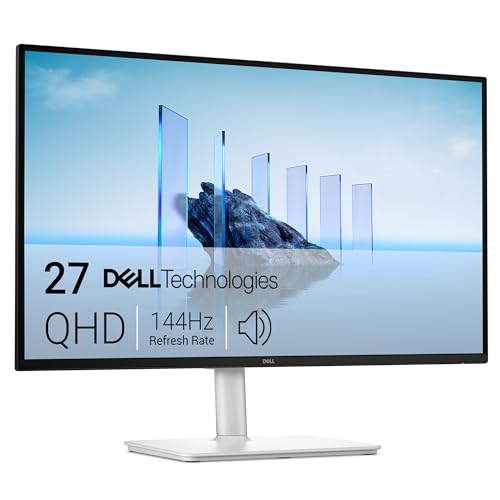
- QHD VISUALS & FAST PERFORMANCE – 27" display with 2560 x 1440 resolution, 144Hz refresh rate, 1ms MPRT response, IPS panel, 16:9 aspect ratio, and 178° wide viewing angles for sharp, smooth images.
- SEAMLESS GAMING & ENTERTAINMENT – AMD FreeSync and Variable Refresh Rate via HDMI 2.1 ensure tear-free motion, while 350 cd/m² brightness and 1500:1 contrast deliver vivid, lifelike detail.
- ENHANCED BUILT-IN AUDIO – Dual 3W speakers with customizable sound profiles provide richer sound for movies, music, and streaming without external speakers.
- ALL-IN-ONE CONNECTIVITY – USB-C with up to 65W power delivery, HDMI, DisplayPort 1.4, USB-A with fast charging, and USB-C 15W downstream port reduce clutter and support multiple devices.
- EYE COMFORT & ERGONOMICS – TÜV 4-star Eye Comfort certification with low blue light and flicker-free technology, plus tilt, swivel, pivot, and height adjustments for long-hour viewing comfort.

Best for sharp 4K: Dell 27 Plus USB-C Monitor S2725QC
The Dell S2725QC steps up to 4K, at 3840 by 2160, with a 120Hz IPS panel and 99 per cent sRGB. A single USB-C cable sends video, data and up to 65W of charging, and the ports include two USB-C, two HDMI and two USB. Dual 5W speakers are built in, and the stand adjusts for height.
Text is exceptionally crisp at this resolution, which is helpful for long documents and spreadsheets. It carries TÜV 4-star eye comfort certification and a three year warranty. It costs about £269, and more than seven hundred buyers have rated it at 4.6 stars, the highest score in this guide. It is the one to buy if you want the sharpest picture and a one-cable desk.

- IMMERSIVE ENTERTAINMENT EXPERIENCE: Dive into cinematic 4K visuals with vibrant colours and ultra-smooth motion. Whether you're watching movies, gaming, or working, the combination of ultra-high definition, AMD FreeSync Premium, and built-in speakers brings every moment to life.
- STUNNING VISUAL CLARITY & COLOUR: Enjoy breathtaking detail and true-to-life colours with 3840 x 2160 resolution, 99% sRGB colour gamut, and HDR readiness — ideal for creatives, content consumers, and professionals.
- ENHANCED EYE COMFORT FOR LONG SESSIONS: Certified with TÜV Rheinland 4-star Eye Comfort, the built-in ComfortView Plus reduces blue light to ≤35% without affecting colour accuracy — helping reduce eye fatigue during extended use.
- POWERFUL BUILT-IN AUDIO: No need for external speakers — dual 5W integrated speakers deliver spacious, enhanced sound with greater output and multiple preset audio profiles, providing a richer listening experience for any task.
- USB-C SIMPLICITY & CONNECTIVITY OPTIONS: Streamline your setup with a single USB-C cable for video, data, and 65W charging. The monitor includes 2 HDMI 2.1 ports, 2 USB-C ports (upstream and downstream), and 2 USB-A ports for fast, flexible device connectivity, plus pop-out front ports for added convenience.
Best for two computers: Samsung ViewFinity S6 27 inch
The Samsung ViewFinity S6 is a 27 inch QHD IPS monitor with a 100Hz refresh rate. Its USB-C port supplies up to 90W, which suits larger laptops, and it also has HDMI, DisplayPort and a USB 3.0 hub. It has a built-in KVM switch, so one keyboard and mouse can control two computers, and it supports daisy chaining and picture-by-picture mode.
The stand pivots, tilts, swivels and adjusts in height, and the screen has an eye saver mode and flicker-free backlighting. It costs about £268, and more than one hundred and eighty buyers have rated it at 4.5 stars. It is the right choice if you share your desk between a work laptop and a personal machine.
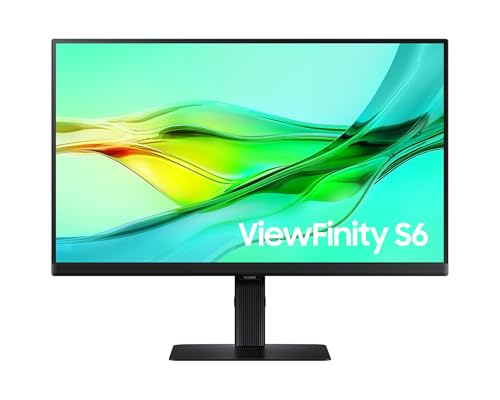
- Viewfinity IPS Professional PC Monitor Ultra-thin Edges with QHD (2560 x 1440) resolution
- Optimal connectivity: USB-C (90W), HDMI (2.0), display port (1.4), USB (3.0), headphone jack
- An ergonomic design: Pivoting, Tilting, Swivelling, Height adjustable
- Features for more productivity: KVM Switch, Daisy Chain, Auto Source Switch +, PIP, PBP, Eye saver mode, Flicker Free
- Contents: 1x Viewfinity S60UD 27 inch Professional PC Screen, Black, LS27D600UAUXEN
Best for colour and detail: Dell UltraSharp U2724D
The Dell UltraSharp U2724D is a 27 inch QHD monitor with a 120Hz IPS Black panel and 98 per cent DCI-P3 coverage, which means richer colour and deeper blacks than a standard office screen. It has two USB-C ports, two DisplayPort connections, HDMI and three USB ports, so it can act as a full docking hub.
An ambient light sensor adjusts brightness and colour temperature to your room, the stand tilts, swivels, pivots and raises, and the slim bezels suit a dual screen setup. It comes with a three year warranty. It costs about £290, and more than three hundred and forty buyers have rated it at 4.5 stars. It is the choice for photo and design work, or for anyone who simply wants the best-looking screen on the desk.

- Ambient Light Sensor: A built-in Ambient Light Sensor intelligently optimizes brightness and color temperature based on your surroundings
- A smoother visual experience: 120Hz refresh rate delivers less flicker, more seamless scrolling and smoother motion than 60Hz monitors
- Fit your work style: Tilt, swivel, pivot and adjust the height of your monitor to work your way
- Stay focused on your work: Our InfinityEdge screen provides a virtually borderless experience
- Tailored to you: Create, store and manage ICC profiles on your computer dynamically through the software dashboard
Comparison at a glance
| Monitor | Resolution | USB-C | Best for | Approx. price |
|---|---|---|---|---|
| Dell S2725DC | QHD, 144Hz | Up to 65W | Best value | £185–£205 |
| Dell S2725QC | 4K, 120Hz | Up to 65W | Sharp text | £260–£280 |
| Samsung ViewFinity S6 | QHD, 100Hz | Up to 90W, KVM | Two computers | £260–£280 |
| Dell UltraSharp U2724D | QHD, 120Hz | USB-C hub | Colour accuracy | £280–£300 |
How a USB-C monitor simplifies your desk
With a traditional setup you plug a laptop into a power adapter, a video cable and a set of USB cables. A USB-C monitor replaces all of that with one cable. The monitor becomes a dock, and the laptop charges through the same connection.
That makes hybrid working easier. Your keyboard, mouse and webcam stay plugged into the monitor, and you connect your laptop in a second. It also keeps the desk tidy, since there is less cabling to hide.
Is 65W or 90W enough?
Most thin and light laptops run happily on 65W, and they charge slowly or not at all if the supply is lower than they need. Performance laptops often need 90W or more. Look at the charger that came with your laptop. If it is rated at 65W or less, a 65W monitor is fine. If it is rated higher, choose a monitor with more power or keep the original charger handy.
QHD or 4K?
At 27 inches QHD is sharp enough for most people, and it needs less from your laptop. 4K looks crisper, which suits those who read and write a lot, but the extra detail makes text smaller unless your system scales it. Make sure your laptop can drive 4K at a smooth refresh rate over USB-C before choosing a 4K screen.
Features worth paying for
A second USB-C port lets you daisy chain or connect a phone. A KVM switch is helpful when you share one keyboard between two computers. An ambient light sensor, if you have a bright room, adjusts brightness through the day without any effort from you.
If you mainly want a one-cable laptop desk, a simple 65W monitor does the job. Pay extra only for features you will use, such as 90W charging for a hungry laptop, a hub with many ports or a high-quality panel for colour work.
Troubleshooting a USB-C monitor
If the monitor does not show a picture over USB-C, check that the cable supports video. Some USB-C cables carry only charging and data. Use the cable supplied with the monitor, or one marked for video output. Update your laptop’s drivers and firmware, and try a different port on the laptop if it has more than one.
If the laptop charges slowly, check its power needs against the monitor’s output. A laptop that draws more than the monitor supplies may charge slowly or run down under heavy load, and in that case keep the original charger on hand.
Setting up your monitor
Place the screen about an arm’s length from your eyes, with the top edge at or just below eye level. Tilt it back slightly, and keep it directly in front of you if you use it as your main display. If you use two screens, angle them to meet at the middle.
A monitor arm can free up desk space and let you fine-tune the height. Turn on the monitor’s low-blue-light or eye comfort mode in the evening, and take regular breaks from the screen.
Which USB-C monitor should you buy?
For most people the Dell S2725DC is the best USB-C monitor for a home office. It is sharp, well connected, and it charges your laptop through one cable at a fair price.
If you want the crispest picture, the Dell S2725QC is the 4K upgrade. The Samsung ViewFinity S6 is the better choice if you switch between two computers, and the Dell UltraSharp U2724D is for people who care most about colour. Check your laptop’s USB-C video support first, and pick a monitor with enough power for your charger.